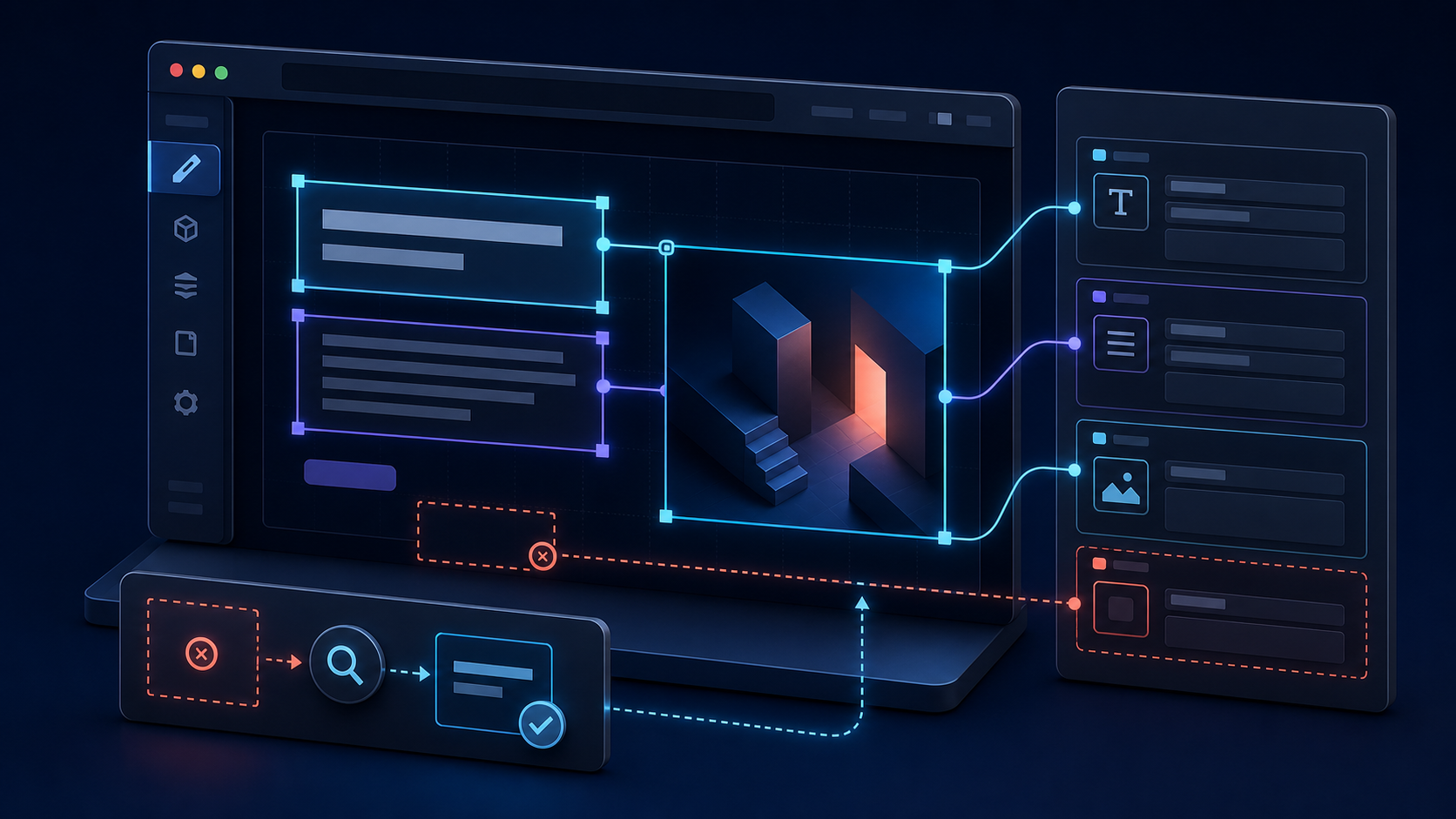
The Presentation Tool loads the correct Next.js page and even shows unpublished content, but no blue editing overlays appear. Or the overlays appear and clicking one opens the wrong document, the wrong field, or nothing at all. Another common variation is that plain text works while images, arrays, and custom components remain impossible to select.
These symptoms all live under “Visual Editing,” but they fail at different layers. The rendered value needs a Content Source Map, the Sanity client must encode that map into the value, the page must preserve the encoded value in a safe DOM location, the overlay runtime must discover it, and the embedded preview must maintain a connection to the correct Studio. Test those layers in order and the failure becomes much smaller.
Visual Editing is a source-mapping pipeline
Click-to-edit does not infer a field from the words visible on screen. Sanity returns source-map information with a query result. Stega encoding attaches that information to string values as invisible characters. The VisualEditing component scans the rendered DOM, decodes the document ID and field path, and draws an interactive layer over the matching element. A click then sends that location to the parent Studio.
Draft content appearing proves that authentication and perspective switching work. It does not prove that source maps, stega encoding, DOM discovery, or Studio communication work.
Start from the current App Router shape
For current Next.js and next-sanity projects, defineLive is the main integration point. It provides a preview-aware sanityFetch function and the SanityLive component. The client also needs the deployed Studio URL so decoded source locations have somewhere to send the editor.
import {createClient} from 'next-sanity'

export const client = createClient({
  projectId: process.env.NEXT_PUBLIC_SANITY_PROJECT_ID!,
  dataset: process.env.NEXT_PUBLIC_SANITY_DATASET!,
  apiVersion: '2026-02-01',
  useCdn: true,
  stega: {
    studioUrl: process.env.NEXT_PUBLIC_SANITY_STUDIO_URL,
  },
})import {defineLive} from 'next-sanity/live'
import {client} from './client'
export const {sanityFetch, SanityLive} = defineLive({
client,
serverToken: process.env.SANITY_API_READ_TOKEN,
browserToken: process.env.SANITY_API_READ_TOKEN,
})Do not add NEXT_PUBLIC_ to SANITY_API_READ_TOKEN. defineLive can share the Viewer token with the browser during Draft Mode without putting it in the public application bundle.
import {draftMode} from 'next/headers'
import {VisualEditing} from 'next-sanity/visual-editing'
import {SanityLive} from '@/sanity/lib/live'

export default async function RootLayout({children}) {
  const {isEnabled} = await draftMode()

  return (
    <html lang="en">
      <body>
        {children}
        <SanityLive />
        {isEnabled && <VisualEditing />}
      </body>
    </html>
  )
}
Run the six-layer isolation test
1. Prove the page is inside the Presentation Tool
Open the same route both directly and inside the Studio. The overlay layer can render outside the iframe, but click-to-edit navigation needs a connection to the parent Presentation Tool. If you are testing a normal browser tab, a visible overlay that cannot focus the Studio is not a valid end-to-end test.
If the iframe is blank, blocked, or redirected, fix the Presentation Tool origin first. Confirm that previewUrl.origin is the actual frontend origin and that previewMode.enable points to the deployed Draft Mode route.
presentationTool({
  resolve,
  previewUrl: {
    origin: process.env.SANITY_STUDIO_PREVIEW_ORIGIN,
    previewMode: {
      enable: '/api/draft-mode/enable',
    },
  },
})
2. Prove Draft Mode is active
VisualEditing should normally mount only during Draft Mode. Temporarily log draftMode().isEnabled in the root layout. If it is false, the overlay component is absent by design; debug the enable route, redirect, hostname, and cookie before touching stega.
const {isEnabled} = await draftMode()
console.info({draftMode: isEnabled})
3. Prove the rendered query uses sanityFetch
A page can fetch drafts correctly with a custom client and still have no overlays if the returned strings were never stega encoded. Follow the rendered component back to its data loader. It must use the preview-aware sanityFetch call, or a custom fetch configured to request source maps and encode them.
const {data: post} = await sanityFetch({
  query: POST_QUERY,
  params: {slug},
})

return <h1>{post.title}</h1>stegaClean is correct before comparisons, URL construction, or non-visual logic. Calling it on the title that you render removes the source information the overlay needs.
4. Look for stega in a safe rendered string
Inspect a simple text field such as the article title. DevTools may reveal a longer string than the visible characters because stega uses zero-width Unicode characters. If Draft Mode is active but every rendered string is clean, inspect the client stega configuration, the fetch function, and any sanitization step between the query and JSX.
If the source characters exist in the data but disappear in the DOM, look for serialization, trimming, slugification, Markdown processing, or a component library that reconstructs the string. Render the raw value in a plain element as a control test.
5. Prove VisualEditing mounted and discovered the element
Confirm the VisualEditing component exists in the rendered React tree and that no client error prevented it from initializing. Start with one plain text element. Complex rich text, portals, canvas rendering, pseudo-elements, and deeply nested interactive controls introduce additional discovery rules that should not be part of the first test.
<VisualEditing
  onSuspiciousStega={(reports) => {
    for (const report of reports) {
      console.warn('Unsafe stega placement', report)
    }
  }}
/>
The suspicious-stega callback helps find encoded values in attributes, metadata, scripts, styles, form values, and URLs. Those placements can break application behavior and are not valid overlay targets.
6. Prove the decoded Studio destination is correct
If an overlay appears but clicking does nothing, inspect stega.studioUrl. It must identify the Studio that contains the referenced project, dataset, and workspace. A localhost URL in production, an obsolete Studio domain, or the wrong workspace base path can produce an apparently healthy overlay with a dead destination.
NEXT_PUBLIC_SANITY_STUDIO_URL=http://localhost:3333
SANITY_STUDIO_PREVIEW_ORIGIN=http://localhost:3000
In production, replace both origins with their HTTPS deployments. Add the frontend origin to the Sanity project CORS list and allow credentials. Preview deployments and custom production domains are separate origins and must be treated deliberately.
Why an overlay opens the wrong field
The query reshapes data without preserving the expected source
Aliases, projections, dereferences, array filters, and computed values can change how a result maps back to the source document. Sanity source maps handle normal GROQ projections, but a value assembled in application code has no single editable origin. Test the unmodified field first, then add transformations one at a time.
const displayTitle = post.eyebrow + ': ' + post.title
return <h1>{displayTitle}</h1><p>{post.eyebrow}</p>
<h1>{post.title}</h1>A list uses unstable React keys
Portable Text blocks and object arrays should keep their Sanity _key values. Index-based React keys can make DOM nodes appear to belong to a different item after reordering. Query _key, pass it through your component boundary, and use it as the React key.
{post.features.map((feature) => (
  <FeatureCard key={feature._key} feature={feature} />
))}
The editable value belongs to a referenced document
A category name, author name, or reusable callout may come from a referenced document rather than the page document. Opening that referenced record is correct. If editors expect the page document instead, change the content model or explicitly design a different editing interaction; do not discard accurate source information to hide the relationship.
Images and non-string controls need explicit annotation
Stega naturally travels through strings. Image objects, boolean controls, numbers, empty fields, and layout containers may need explicit data-sanity attributes or a dedicated editable wrapper. Use the overlay utilities documented for your installed visual-editing version instead of placing encoded JSON into a DOM attribute.
Failure patterns in production
Overlays work locally but disappear after deployment
Check the production Studio URL, frontend preview origin, Sanity CORS origins, Viewer token, and Draft Mode cookie on the custom hostname. Then confirm the deployed build contains the same next-sanity version as local. This is usually an environment contract, not a rendering bug.
Text overlays work, but Portable Text blocks do not
Confirm the Portable Text query preserves _key and does not flatten blocks into plain strings before rendering. Test a normal text block without a custom serializer. Then reintroduce custom components and verify each component renders the original stega-enabled children.
The overlay is offset or has the wrong size
Transforms, zoom, sticky containers, nested scrolling regions, portals, and pseudo-elements can make the visual box differ from the text node the runtime discovered. Reduce the element to a normal block in the document flow. Reintroduce layout effects until the geometry breaks.
Clicks work, but edits do not update live
Overlay discovery and live subscriptions are separate layers. If click-to-edit focuses the correct field, stop changing stega and Studio URLs. Confirm SanityLive is mounted, the browser token is available during Draft Mode, the frontend origin is allowed by CORS, and browser requests to the Content Lake are not returning 403.
Metadata, links, or class names behave strangely in preview
A stega-enabled string reached application logic or an unsafe DOM location. Disable stega for generateMetadata and generateStaticParams, and clean values before equality tests, class selection, href construction, or JSON-LD generation. Keep the original encoded value only for visible editable content.
const {data: post} = await sanityFetch({
  query: POST_QUERY,
  params: {slug},
  stega: false,
})
The shortest reliable verification sequence
Open the page inside the Presentation Tool. Confirm Draft Mode is enabled. Render one unmodified string from sanityFetch in a plain element. Verify that the string carries stega data. Confirm VisualEditing mounted and draws an overlay. Click it and verify the correct Studio workspace, document, and field. Edit the field and confirm SanityLive refreshes the rendered value. Only after that baseline passes should you test Portable Text, arrays, references, images, transformed layouts, and production domains.
Iframe, Draft Mode, source map, stega string, DOM element, overlay, Studio focus, and live update are independently testable. The first failed boundary tells you where the repair belongs.