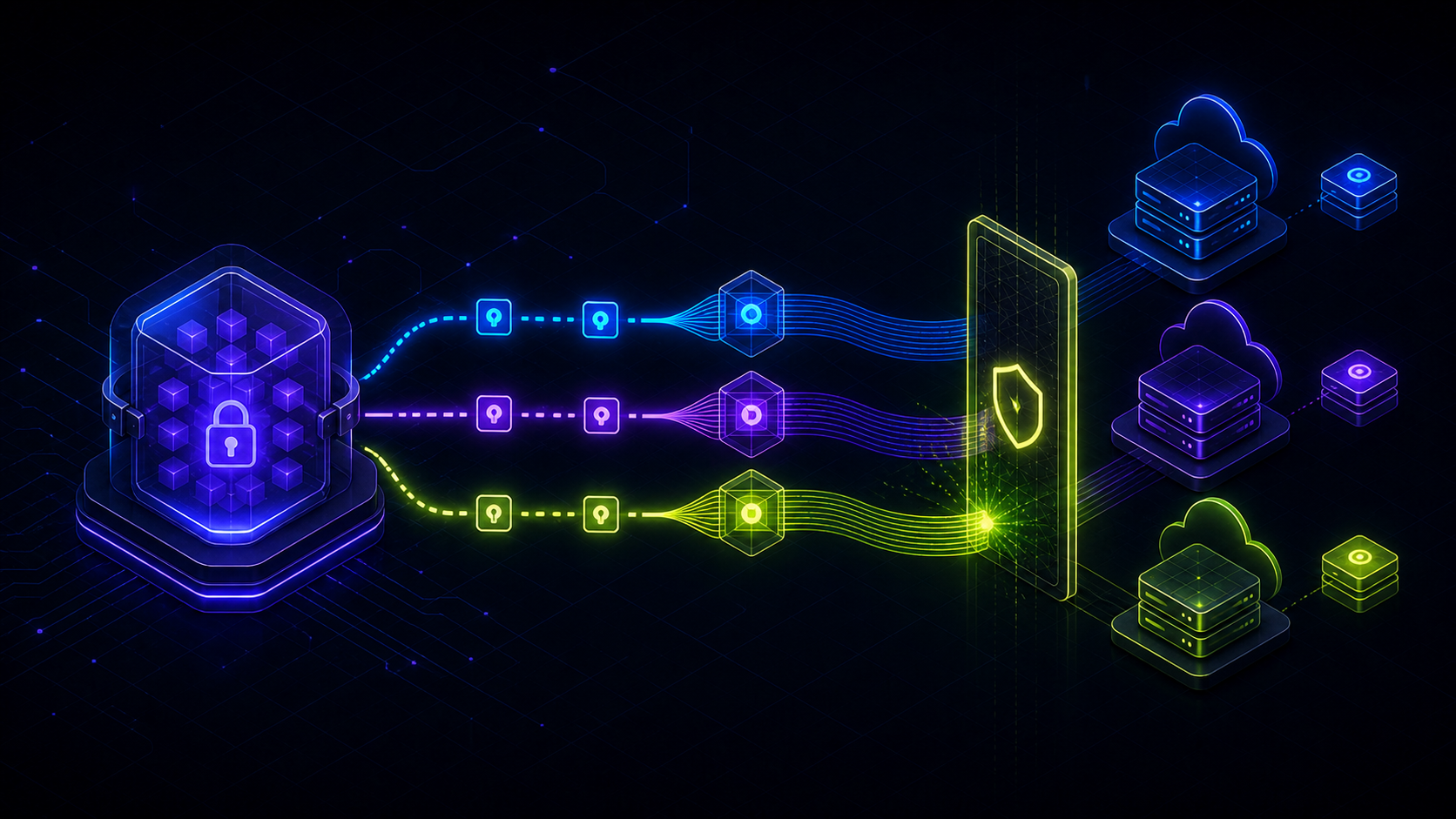
Environment variables usually begin as a database URL and an API key. Then the application gains a preview environment, another developer joins the project, and production receives a credential nobody remembers to add locally. The same configuration ends up in .env files, private messages, and three Vercel settings screens.
The failure is not that any one copy is difficult to store. The failure is that no one can say which copy is authoritative. Doppler fixes that by becoming the source of truth, injecting the right config into local processes, and synchronizing environment-specific values into Vercel.
Doppler can update the environment-variable settings in Vercel, but an existing Vercel deployment keeps the values it was created with. Create a new deployment after a secret changes.
Model one application as several configs
A Doppler project represents one application or service. New projects normally begin with development, staging, and production root configs named dev, stg, and prd. Each config has the same responsibility: hold the values required by one execution environment.
Doppler dev          -> Vercel Development -> local development
Doppler stg          -> Vercel Preview     -> pull requests and branches
Doppler prd          -> Vercel Production  -> the production deployment
A production database credential belongs in the production config and should sync only to Vercel Production. Development should not receive it for convenience. Keeping the boundaries strict makes permissions, incident response, and credential rotation easier to reason about.
Doppler also detects keys that appear in one config but are missing from another. The values can remain different while the expected configuration shape stays visible. See the Doppler config model for the root and branch relationship.
Run locally without creating another .env file
Install the Doppler CLI, authenticate, and associate the application directory with the project and config you are allowed to use.
# macOS
brew install dopplerhq/cli/doppler

# Windows
winget install doppler.dopplerdoppler login
cd ./your-application
doppler setup
doppler run -- npm run devThe application continues reading its normal environment API, such as process.env in Node.js. The difference is that the values do not need to be exported into a project-level file first. They exist in the environment of the process Doppler starts.
Make onboarding predictable with doppler.yaml
A committed doppler.yaml can suggest the project and config during setup. It contains identifiers, not secret values.
setup:
  - project: devfieldnotes-web
config: dev_personalA dev_personal config can inherit shared development values while keeping one developer’s overrides private. That is easier to audit than a collection of untracked .env.local files.
Connect Doppler to Vercel
Open the Doppler project, choose Integrations, select Vercel, and authorize the Doppler application. The setup screen then asks for four things: the Vercel team, Vercel project, Vercel environment, and Doppler config.
Sync 1: dev -> Development
Sync 2: stg -> Preview
Sync 3: prd -> Production
After creating the syncs, open the Vercel project and inspect Settings, then Environment Variables. Confirm that every expected key appears under the correct environment. Do this before relying on a preview or production deployment as the test.
New Doppler syncs default to Vercel’s Sensitive variable type. Sensitive values cannot be read back through the Vercel dashboard or API after they are set. Follow Doppler’s Sensitive-variable migration instructions if the integration was created before that support existed.
Understand what automatic sync changes
Changing a value in Doppler updates the mapped environment-variable configuration in Vercel. It does not rewrite a deployment that is already serving traffic. Vercel captures environment values when it creates the deployment.
Edit a value in Doppler
  -> Doppler syncs the mapped Vercel environment
  -> create or redeploy a Vercel deployment
  -> the new deployment receives the new value
A Git push may naturally create that deployment. Otherwise, redeploy from the Vercel dashboard or through the project’s deployment automation. Seeing the new variable in Project Settings proves the sync completed; it does not prove the running deployment loaded it.
Preview and production deployments created before a rotation may stop working after the old upstream credential is revoked. Redeploy every environment that still needs access.
Adopt a configuration ownership policy
Edit Doppler, not both systems
Once a key is owned by Doppler, update it in Doppler. Editing the synchronized copy directly in Vercel creates two writable sources and restores the drift the integration was introduced to remove.
Keep public configuration separate from secrets
An environment variable is not automatically confidential. A value deliberately bundled into browser code can be inspected by users, regardless of how securely it was stored before the build. Keep credentials server-side and name public configuration deliberately.
Validate required keys at startup
Fail early when an environment is incomplete. A small presence check converts a vague production error into a precise configuration error.
const required = ['DATABASE_URL', 'AUTH_SECRET', 'EMAIL_API_KEY']

for (const name of required) {
  if (!process.env[name]) {
    throw new Error(`Missing required environment variable: ${name}`)
  }
}
Avoid reserved Vercel names
Vercel reserves several runtime variables, including multiple AWS-prefixed names, NOW_REGION, and TZ. Doppler will not sync those reserved keys. Rename conflicting application variables instead of depending on runtime behavior you do not control.
Rotate a production credential safely
Credential rotation is where a clear ownership and deployment model pays for itself. Keep a short overlap window so the old deployment and the new deployment can both work during the transition.
1. Create the replacement credential; keep the old one valid
2. Update the key in Doppler prd
3. Confirm the Vercel Production sync completed
4. Create a new production deployment
5. Verify a real health check or low-risk application action
6. Revoke the old credential
7. Check logs for authentication failures
Repeat the deployment step for Preview if it shares the rotated upstream service. A credential is not fully rotated while an active environment still depends on the old value.
Vercel documents the same overlap requirement in its environment-variable rotation guide. The ordering prevents an old deployment from losing access before its replacement is healthy.
The operating model to keep
Doppler stores the environment-specific values. The Doppler CLI supplies an authorized development config locally. Separate integrations synchronize development, preview, and production configs into their matching Vercel environments. A new Vercel deployment activates every changed value.
The benefit is not eliminating .env syntax. It is eliminating ambiguity. Developers know where configuration changes begin, reviewers can reason about environment boundaries, and production no longer depends on somebody copying a credential into the correct dashboard field.
Rotate a harmless test value and watch it move from Doppler to Vercel and into a new Preview deployment. A runbook is trustworthy only after the team has observed the complete path.